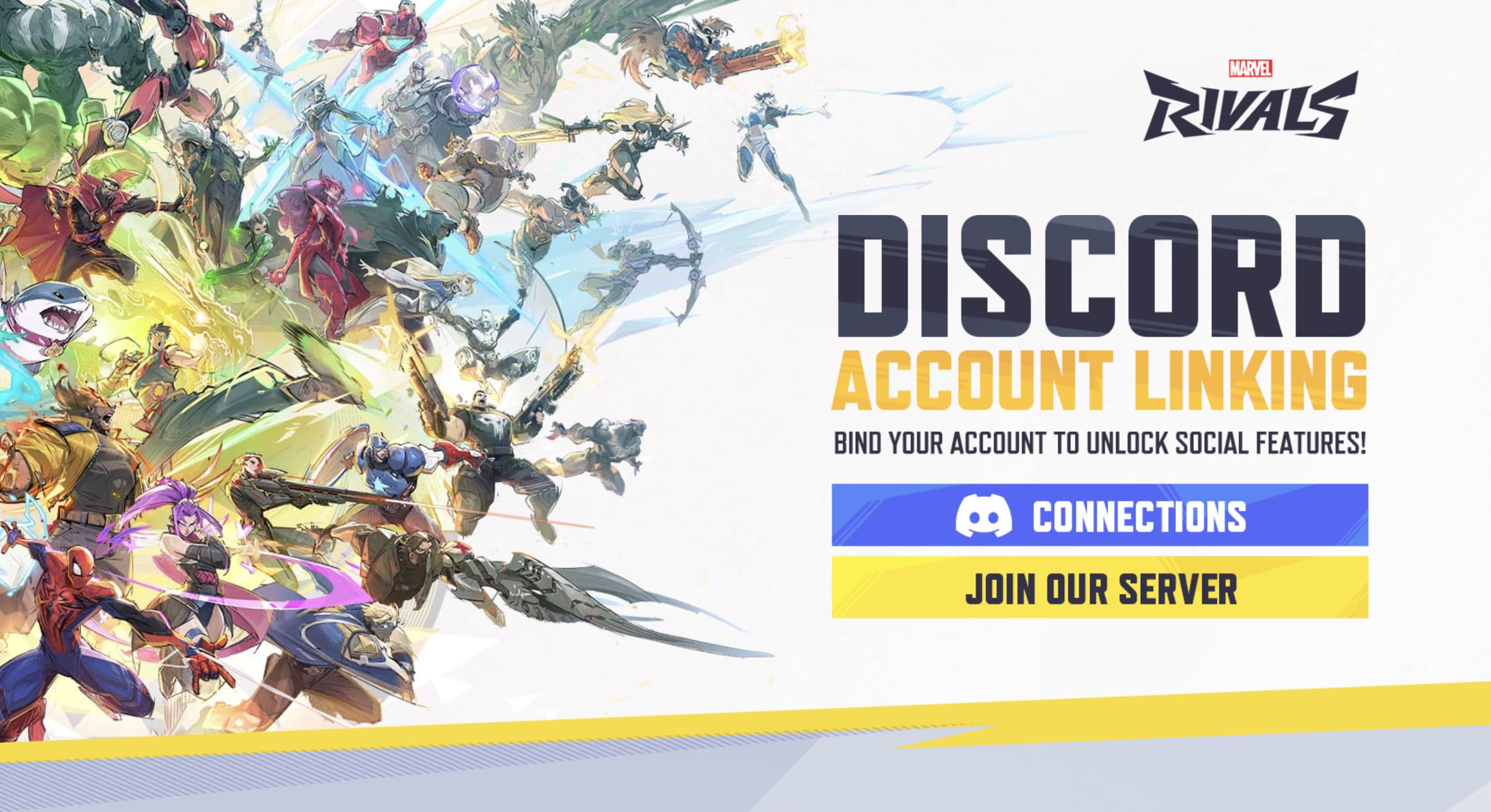
Marvel Rivals is an action-packed shooter game. The developers have created an official Marvel Rivals Discord server, which is one of the largest community hubs for players worldwide. It boasts over a million members, official support channels, exclusive events, and features that allow you to link your game account for in-game rewards.
What Is the Marvel Rivals Discord Server?
A must-join destination for Rivals fans. It consists of:
- Find new teammates on LFG (Looking for Group) channels
- Chat about the latest game updates
- Participate in seasonal events and giveaways
- Share fan art, gameplay clips, and stories
- Interact with other players from around the world
Marvel Rivals Discord Server
Join the Marvel Rivals Discord Server now and be a part of the official community. After joining, find new teammates, join voice channels, get new updates, and experience much more.

Also Read: Bite by Night Roblox: Official Discord, Game Wiki, & Release
How to link Marvel Rivals with Discord?
The devs offer a feature where you can directly link your Marvel Rivals account with your Discord handle. Once linked, you will receive 100 free Units and social features like friend lists and in-game invites.
Step-by-Step (PC & Console)
Firstly, get the unique code to set up your account with Discord.
- Open Marvel Rivals on your device
- Click on the main menu
- Select the Options / Settings menu
- Select Community
- Choose the Discord tab and copy the unique code provided
Secondly, paste that code in the Discord server.
- Join the official Marvel Rivals Discord server
- Visit the #in-game-binding channel and click Verify
- Paste your code from the game
- Once linked, you’ll see confirmation and receive your 100 free Units
That’s it for the Marvel Rivals Discord Server (Official 2026) guide. Make sure to link the server now and enjoy with your friends. Also, check out other titles such as Devil Hunter Trello and Subaru Stairs Experience codes.